MATLAB
MATLAB Session Options
- MATLAB via Open OnDemand: described below. Launch MATLAB through Hyak's Open OnDemand web portal.
- MATLAB via Command Line: load the MATLAB module on a compute node and run MATLAB from the terminal.
MATLAB License Authentication
Beginning August 1, 2026, only MATLAB R2023b and newer versions will be valid on Hyak.
See MATLAB License Authentication for license authentication instructions.
.MathWorks StorageIf MATLAB reports Unable to communicate with required MathWorks services, your home directory may be near or over its quota due to accumulated MATLAB runtime data saved in ~/.MathWorks. See Managing .MathWorks Storage for cleanup instructions.
Launching MATLAB
Launching a MATLAB session is the same as scheduling any other interactive session. To launch a MATLAB session via Hyak's OOD, select MATLAB from the list of interactive apps. Then, select parameters for the session and select "Launch".

The session will show up as a job in the "My Interactive Sessions" tab. Allocation of resources might take a few minutes, depending on the queue and requested resources.
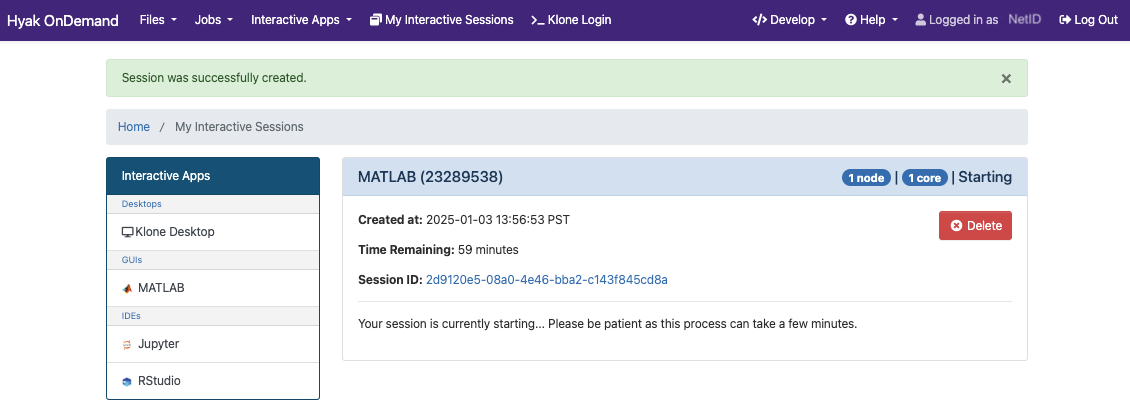
Once a session is running, you can adjust connection quality, launch a VNC session, or share a view-only link with others.
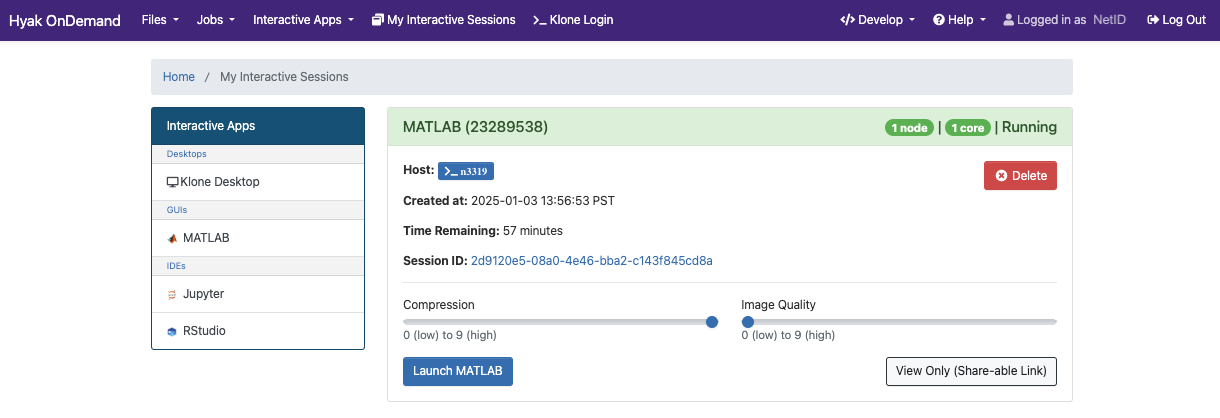
The MATLAB app will open in a workspace where you can interact with the MATLAB environment.
